Suppliers
Automated Search
The system will try and automatically find and match to a purchase order when one is present on the invoice.
- If there is a valid purchase order (NOT status N, P, T although this filter can now be configured using the
validPOStatusextension config), the Vendor is taken from that and can not be changed because the Unit4 import will overwrite it. - If a user has manually selected a Vendor in the Vendor Search box, that selection is used.
Note if a supplier should be matched from 1 or 2, but the ERP request does not find a supplier then the invoice will be marked as no vendor match. If 1 and 2 are empty, then the system searches the ERP and tries to identify the Vendor from the invoice data, as described below.
Which Vendors are searched
As standard, the ERP search only looks for N status suppliers, however you can use the valid supplier status queue configuration to allow others through. A parked (P) Vendor raises a warning, and any other non-active status raises an error. This means any status not N or P will stop an invoice export as Unit4 will reject the data, but the vendor still shows as matched in Rossum, so you can see there was a suggested match.
If the invoice has a currency, any Vendor with a fixed currency that differs from the invoice currency is then discarded. Vendors that are not restricted to a single currency are always kept
How a Vendor is matched
The following checks are run in order, and the first one that identifies a single Vendor wins, however note that the setting to match the first found supplier or not will have an impact on how the search treats multiple results for the same field. I.e. where you may have the same supplier set up multiple times.
The whole list is attempted against active (N) Vendors first, then against parked (P) Vendors, and finally against any remaining Vendors.
- Company Number
- VAT Number
- IBAN
- Bank Details
- Company name
- VAT Number, IBAN and Bank Details again, this time allowing for how they are written: a VAT number with or without its two letter country prefix, an IBAN with or without spaces, and a bank account on its own where neither the invoice nor the Vendor has a sort code (for example in the USA). This runs only after every exact check above, so an invoice that matched exactly still matches the same Vendor.
- If no Vendor is found and you have a
defaultSupplierIdset in the extension settings then this will be defaulted in, regardless of the currency (but the status must still be correct) - If the whole search returned only one possible Vendor (excluding the default), that Vendor is used even if none of the checks above matched it exactly. This catches near-misses, for example where the Vendor name on the invoice is slightly different to the one on the ERP record.
Results will be cached for a time to avoid making too many API requests
Manual Search
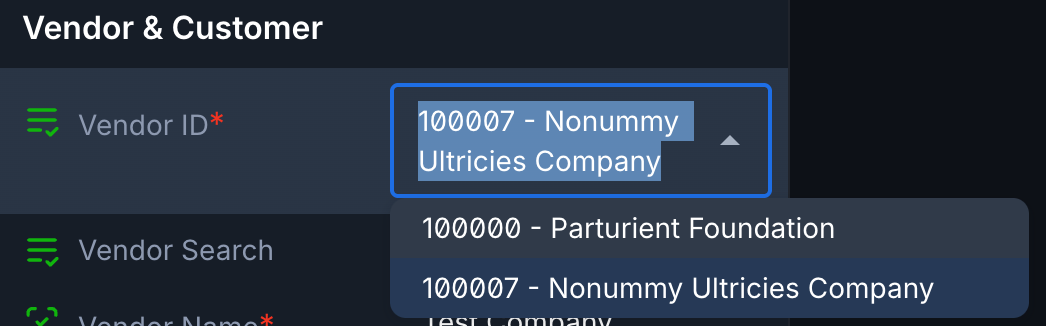
You can manually search for a Vendor on a non-po invoice by using the Vendor Search box.
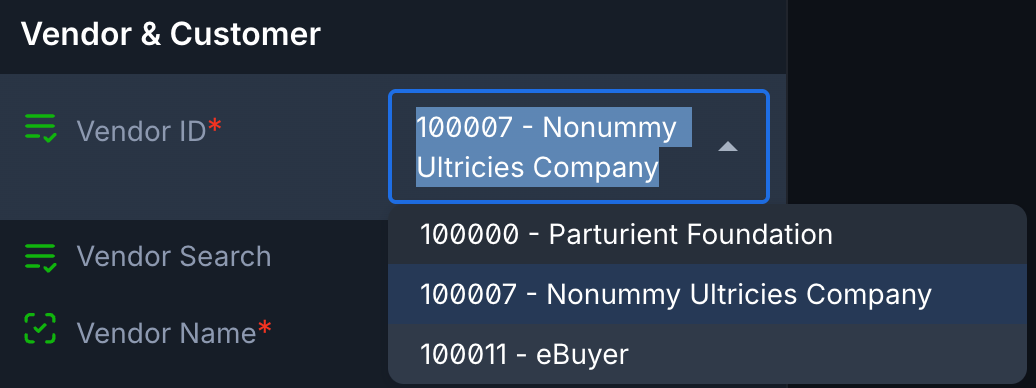
In this image the drop down shows the default Vendor (always included) and the Vendor identified from the Vendor's company number.
If we want to search for a Vendor manually, we can enter the number or name we want to search for, as shown here we know we want Vendor number 100011
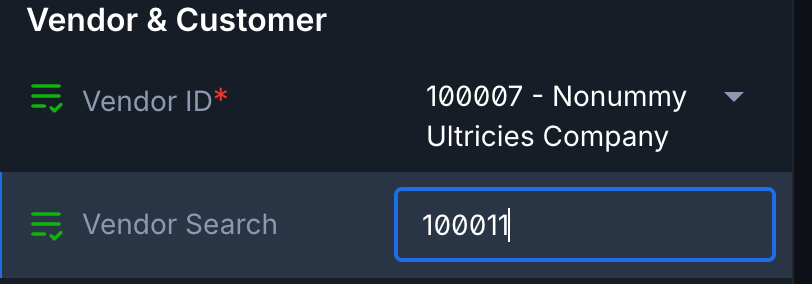
The service then searches ERP for this Vendor (you will see the service running as the confirm button will spin and show validating) and matches will be returned to the list as shown here:
Messages
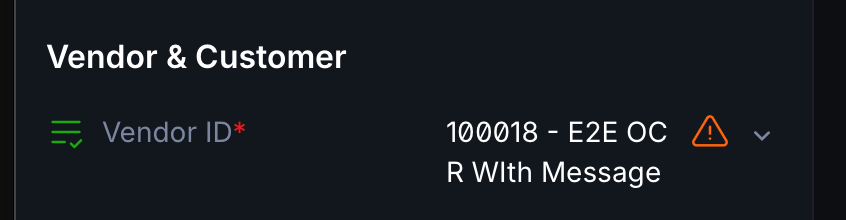
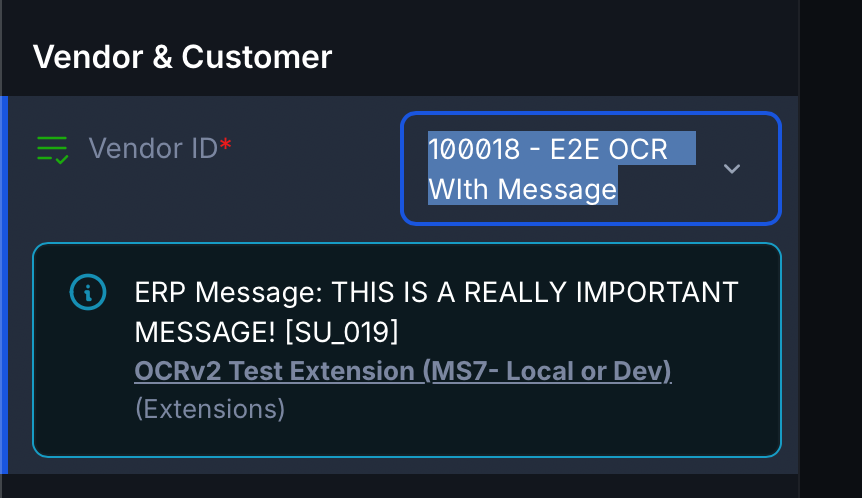
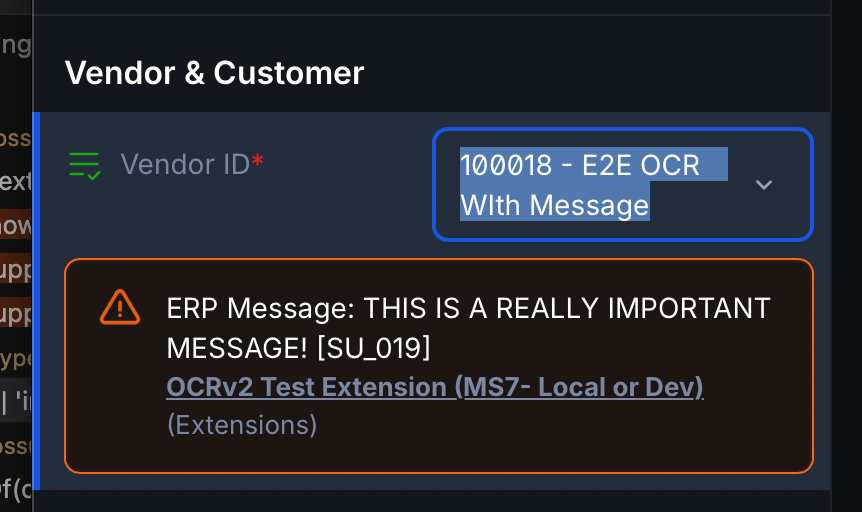
Messages from the messages box on the invoices tab on the ERP masterfile may be displayed against the selected supplier field using the showSupplierMessage queue setting
These may be shown as either warning or information styles depending on the setting so the icon that shows next to the field will depend on this.
Note that this message can be elevated to an error.
You can see the message either by hovering over the icon, or selecting the field, here are some examples: