Matching to Legal Entities
info
As with all coding, this only applies to non-purchase order invoices. PO invoices will continue to receive all of their coding from the PO.
Legal entities are very simply matched by looking at the Customer name that has been identified by Rossum and matching it to the attribute value description from ERP.
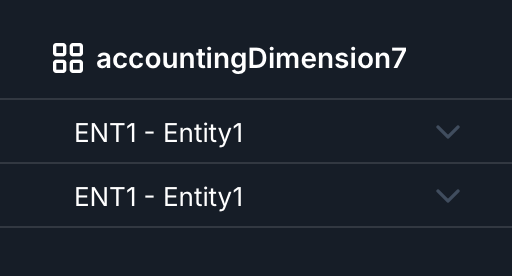
In this example the system has been configured with legalEntityIndex: 7
Rossum identifies the customer name:

And dim7 is then completed automatically by the extension: