Errors, Warnings & Information
When the extension processes, various information messages, warnings and errors will be generated and presented to the user in the screen. Examples are shown below.
ERRORS will the export from the Rossum application until they are corrected.
Warnings and Information Will not stop processing and are shown in the screen, as well as being written to ERP (depending on the queue settings).
Codes
Messages in the system should be suffixed with a code which can be used to lookup in the troubleshooting documentation
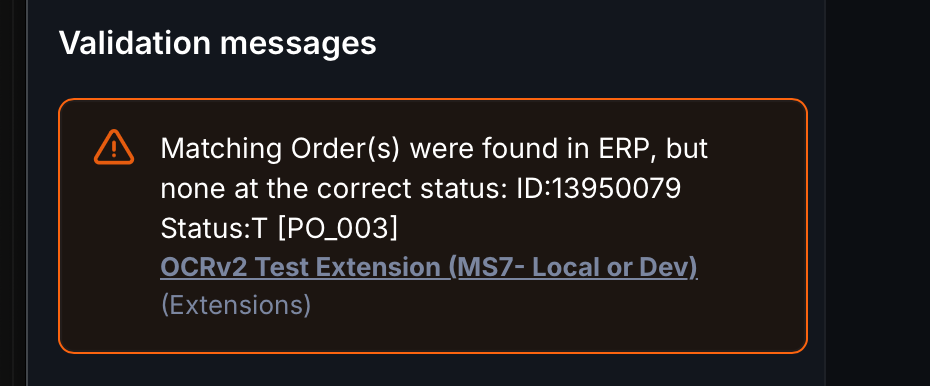
For example Matching Order(s) were found in ERP, but none at the correct status: ID:13950079 Status:T [PO_003] we can lookup the code PO_003.
Viewing Messages in ERP
Depending on the extension settings, Warnings and information messages will be written back to ERP.
At this time these are written back as an additional text document and attached with the invoice. Unfortunately the inputs we have into ERP are very limited, however we continue to investigate different approaches to this.
When the messages are written to the text file, we also include information about the Elevated warnings.
The message will look something like this:
{
  "elevateMessagesConfiguration": [
    "PO_003"
  ],
  "overrideSetting": "YES",
  "overrideSetByHuman": true,
  "messages": [
    {
      "type": "info",
      "content": "Options available for accounting dimension [ACL_011]",
      "transactionNumber": 2237
    },
    {
      "type": "warning",
      "content": "Matching Order(s) were found in ERP, but none at the correct status: ID:13950079 Status:T [PO_003]",
      "transactionNumber": 2237
    }
  ]
}
elevateMessagesConfiguration is the extension setting for elevating warning messages at the time of export.
overrideSetting is the setting of the field on the document override_warnings at the time of export.
overrideSetByHuman if the field on the document override_warnings was changed by a human (or for example was set as a default value in configuration).
messages then contains an array of all of the messages at levels that have been chosen to write to ERP.
Examples in Screen
Warnings may present at the top level
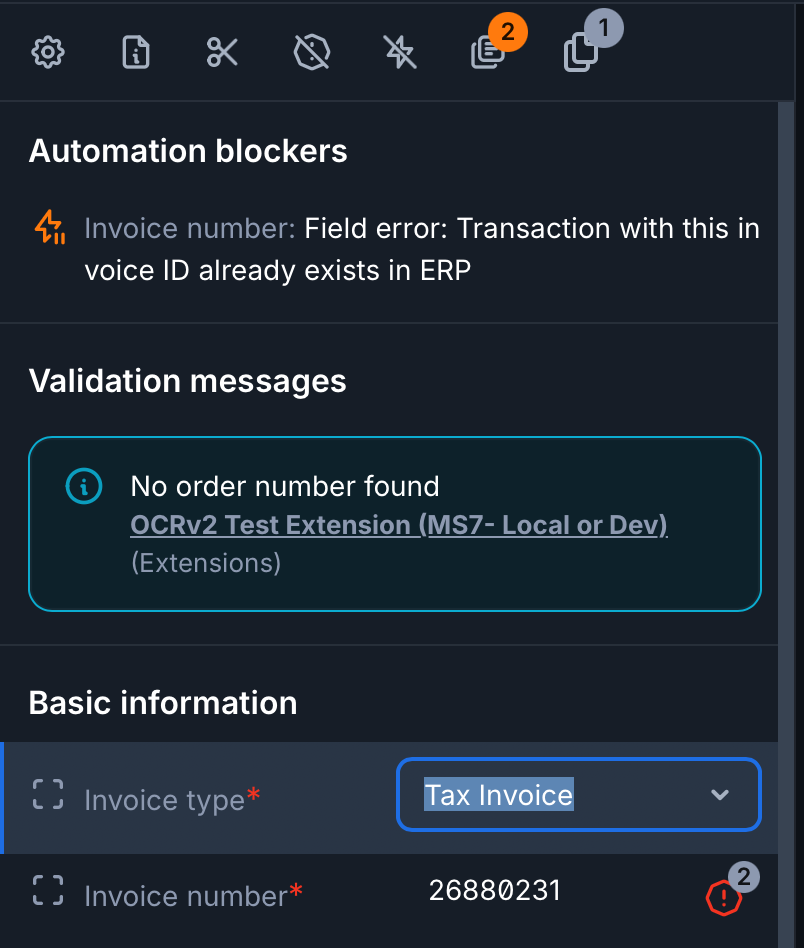
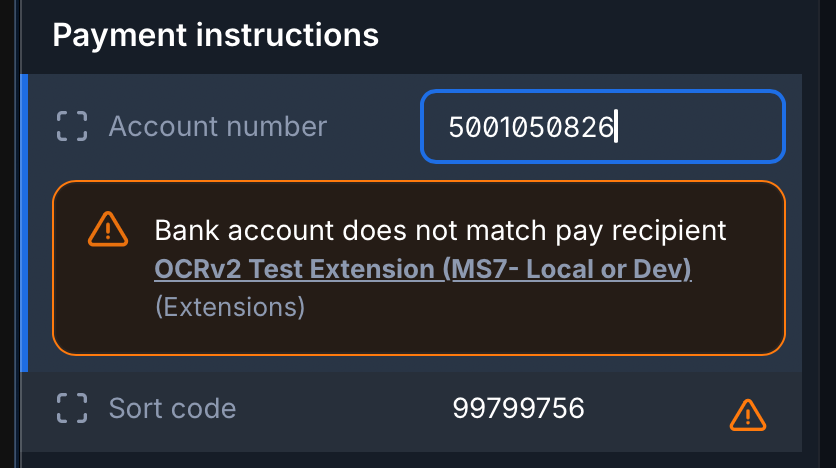
Or throughout the field information on the left panel.
Warning:
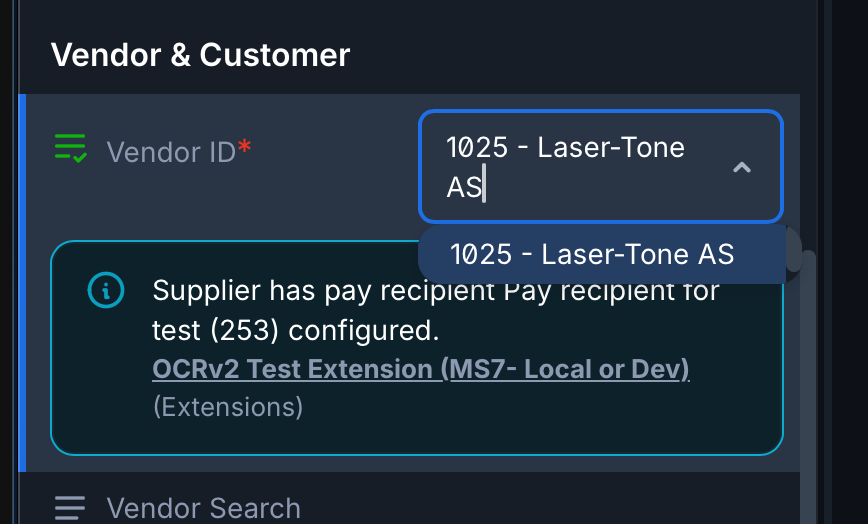
Information:
Examples in Screen: High level errors
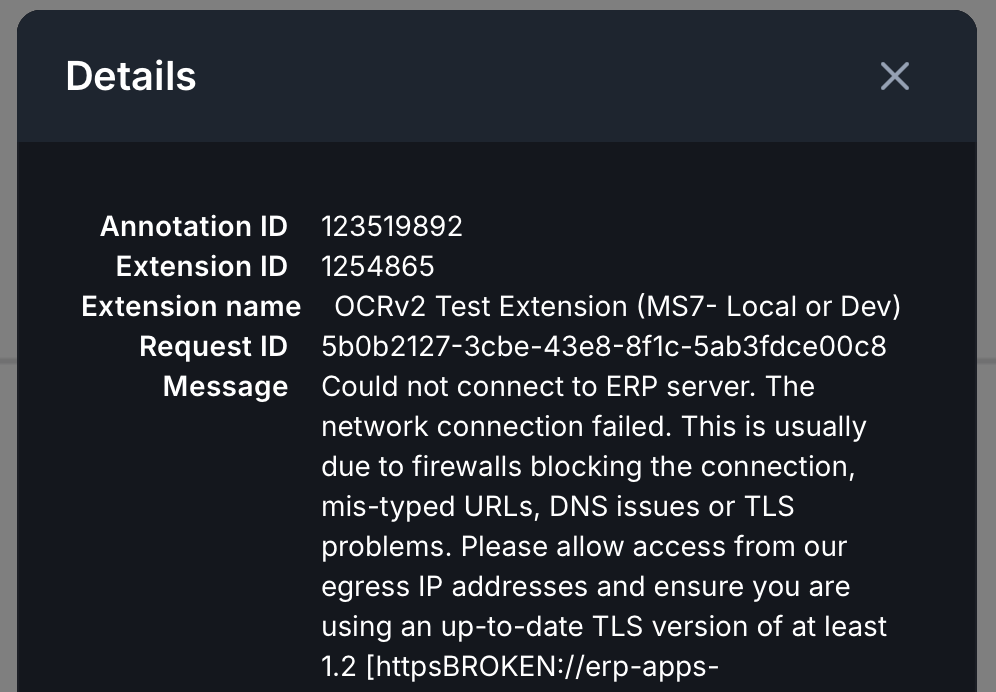
Sometimes an error or warning message will generate a stack of messages, it is important that you look at the detail behind the messages as error codes may be presented further down the stack.
For example this error just says the extension is broken which is our highest level error
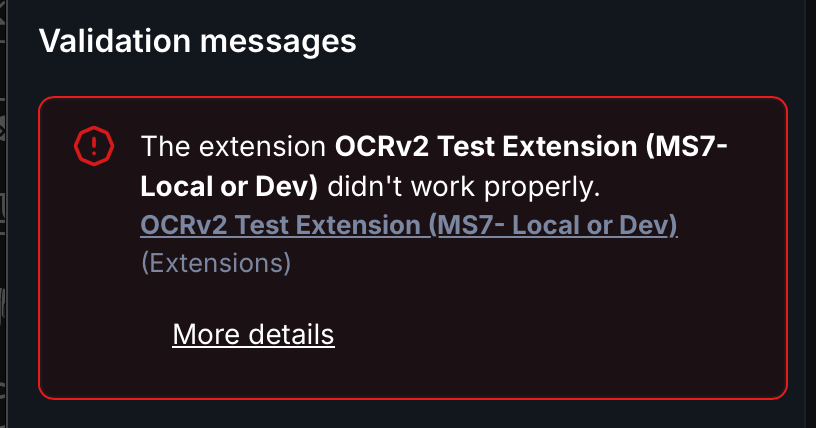
But clicking on the more details link, shows the actual underlying errors
Elevating Warnings to Blocking Errors
We understand that some organisations would like items classed as warnings to be reclassified as errors, and thus actually stop invoices processing.
To do this we have to use an intermediary field override_warnings to ensure the integrity of the OCR. Adding to an existing system Please note you will need to configure the override_warnings field in your schema
For example if the bank details on the invoice don't match the supplier record and we made this an Error on the field, the invoice wouldn't be able to be processed until the bank details in ERP had been corrected on the supplier, because removing the fields on the OCR side to clear the error would be negative training for the OCR model.
Therefore, if you have set the extension setting elevateWarnings and the system generates a warning in the elevateWarnings list, the field override_warnings will be set in error state.
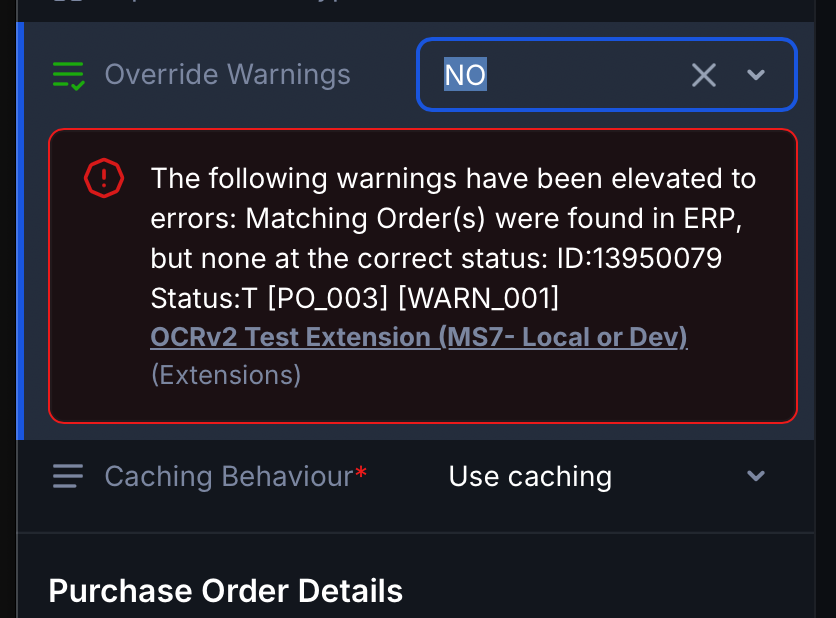
The invoice can then be processed by manually setting the override_warnings to YES, note this will over-ride ALL elevated warnings so its important that any issues are addressed before doing this

The original warnings will still be presented in the document and will still be sent to ERP, but they will now not stop the invoice from being processed
Please see the list of warnings that can be elevated