Additional Configuration
Rossum has a lot of additional setup that can be done either by your administrators, or by our team if you are on our hosted service.
Some of these settings will not be available to you if you are on our hosted service. Please contact the team if you wish anything to be changed.
These are general Rossum queue settings and apply equally to invoice queues and statement matching queues.
Automation
There are two elements to the automation of documents in the system.
- Automation based on the AI Engine's assessment of it's accuracy
- Allowing or disallowing the automatic export of documents to ERP.
AI Automation
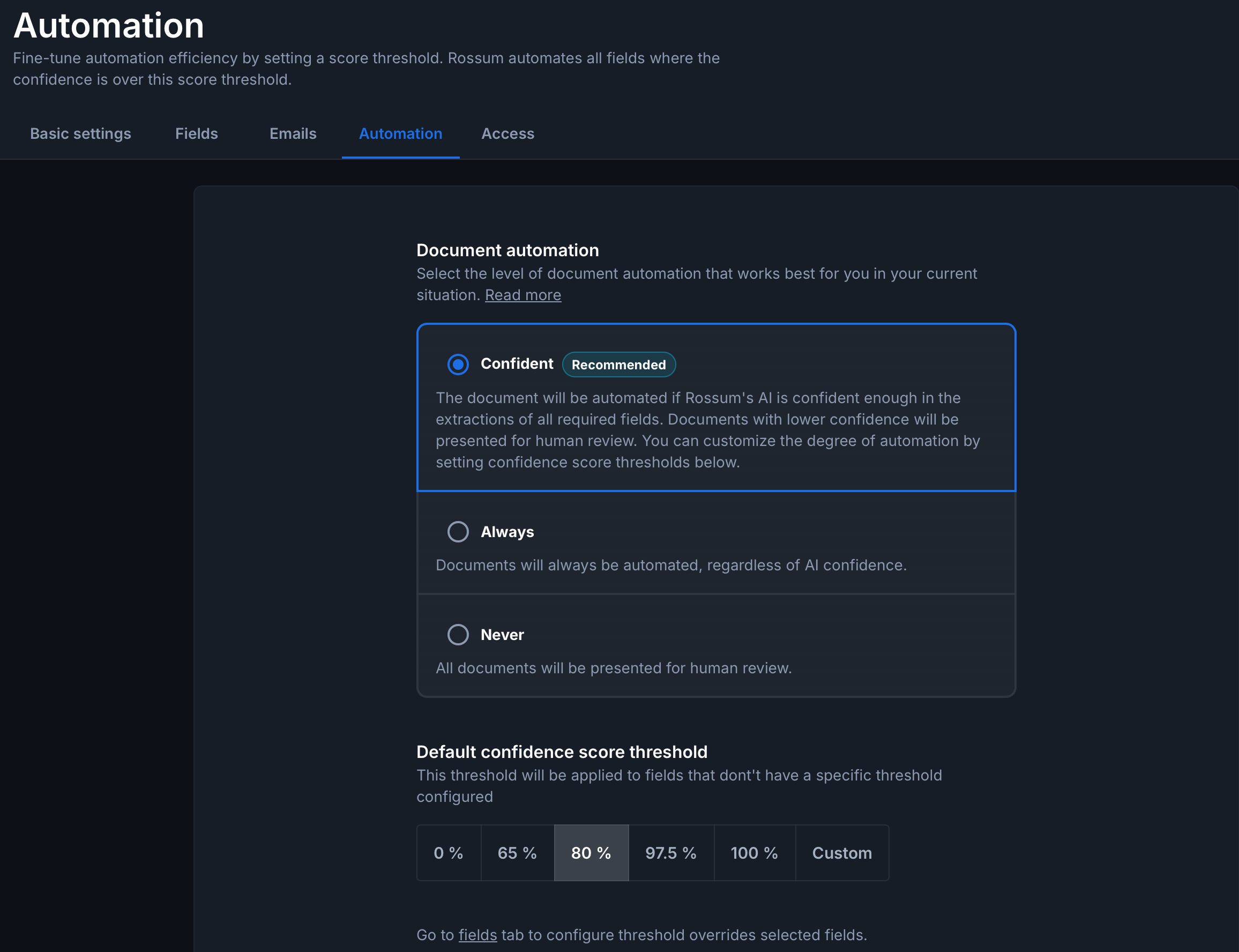
The level at which the AI will automate documents can be set within the Rossum settings, or switched off entirely.
The setting in this screen will determine the level at which the system can automatically export the documents (see confirm below)
Automatic Export
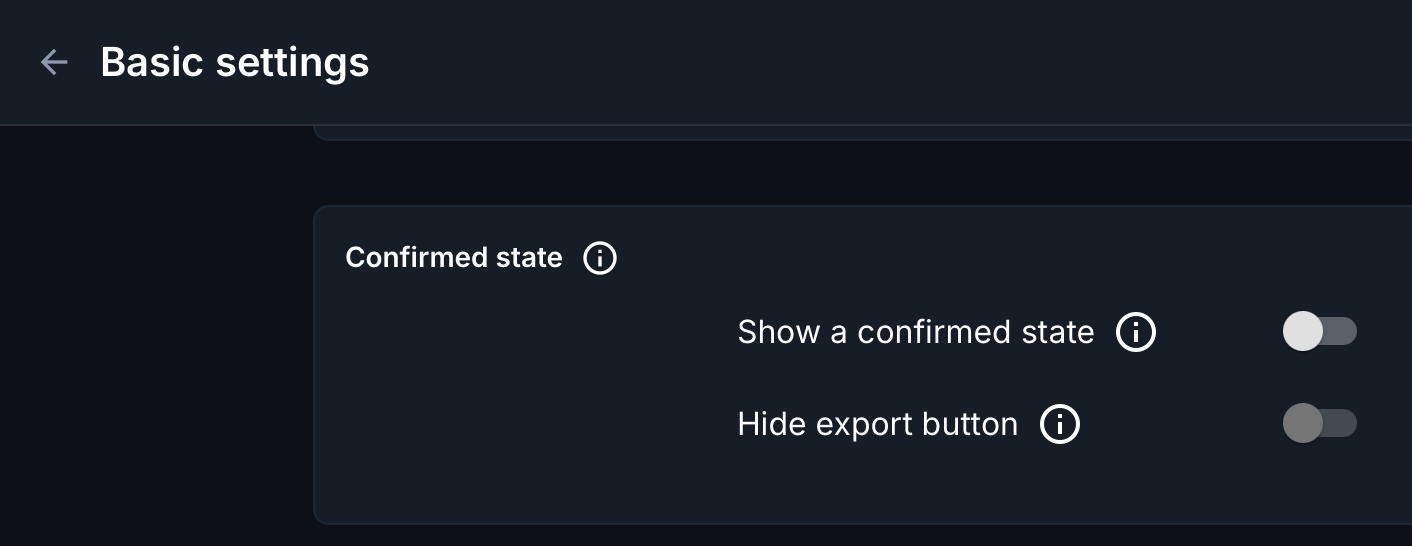
The "show confirmed state" setting should be switched off if you want the system to be able to automatically export documents to ERP.
If this is switched ON then the system will move items to the confirmed state when the automation threshold is met (See above), or a manual action moves it here.
If this is switched OFF then the system will automatically try and export documents which meet the automation threshold, or when the user clicks the export button, to ERP.